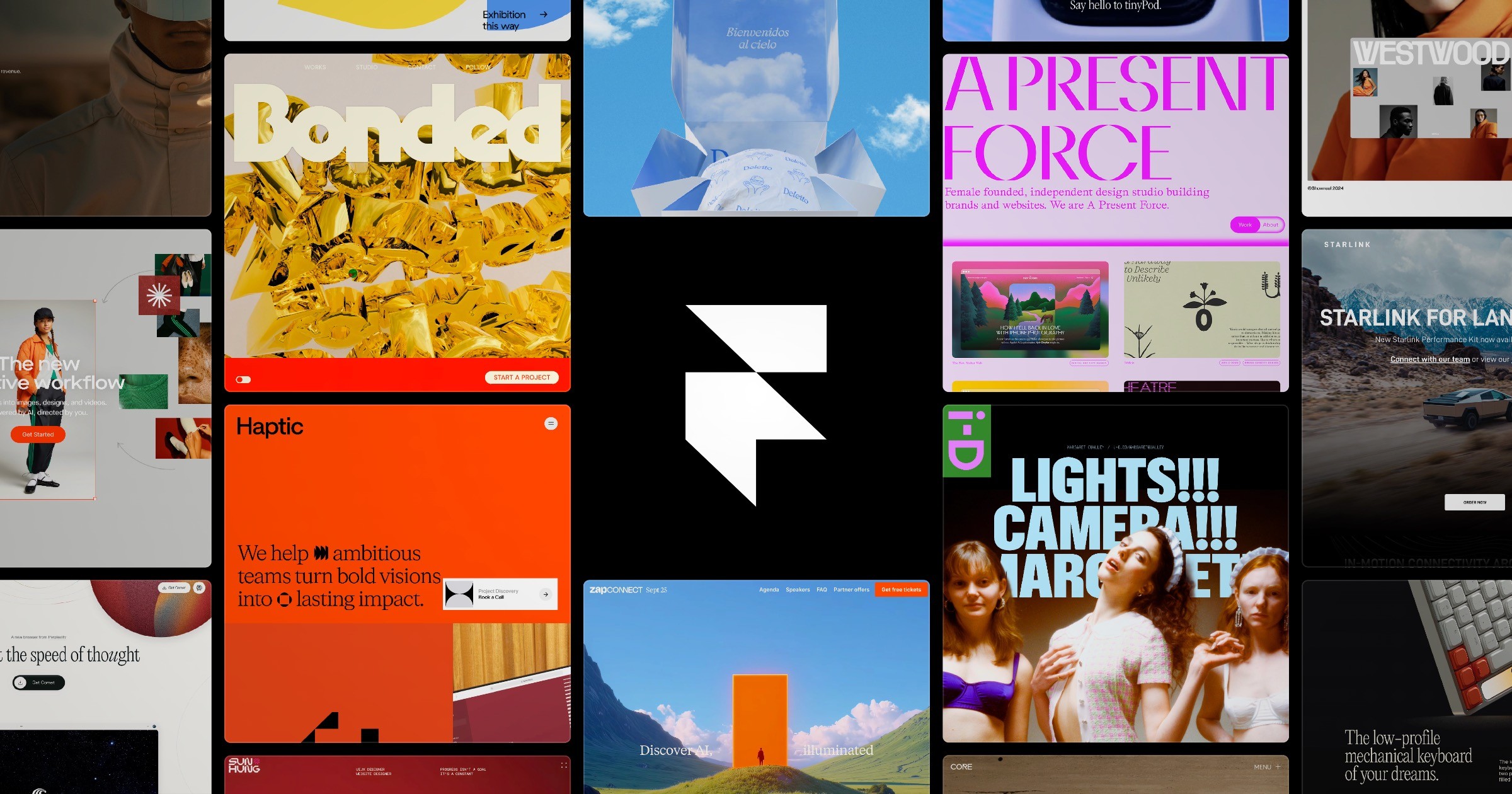

Framer: Create a professional website, free. No code website builder loved by designers.
framer.com“Framer embodies a sophisticated, designer-first aesthetic that balances professional precision with creative freedom. The brand feels modern and efficient, leveraging a stark monochrome palette punctuated by a vibrant blue accent to convey clarity and high performance without visual clutter.”
Color Palette
Colors
Light Mode
Dark Mode
Typography
Fonts
sans-serif
GT Walsheim Framer Medium
GT Walsheim Framer Medium Placeholder, sans-serif
GT Walsheim Medium
GT Walsheim Medium Placeholder, sans-serif
Inter Variable
Inter Variable Placeholder, sans-serif
Inter Variable
Inter Variable Placeholder, sans-serif
The quick brown fox
12pxThe quick brown fox
110pxThe quick brown fox
62pxThe quick brown fox
24pxThe quick brown fox
85pxThe quick brown fox
18pxComponents
Design System
Voice & Tone
Personality
Visual Energy
Design Era
contemporary-minimal
Emotional Tone
confident-precise
Target Audience
Professional designers, creative agencies, and tech-savvy teams who value design control and efficiency over complex coding.
Comparable Brands
Brand Rules
Dos & Don'ts
Do
- Use GT Walsheim Medium (500 weight) for all primary headings and Inter Variable (400 weight) for body text, ensuring a clear typographic hierarchy.
- Apply sentence-case capitalization to all headings and UI labels to maintain a modern, approachable tone.
- Style primary action buttons with a #0000ee background, white text, and a 40px border-radius (pill shape) to create high-contrast, clickable elements.
- Style secondary buttons with a #ffffff background, #0000ee text, and a 1px solid #0000ee border, maintaining a 15px border-radius.
- Utilize a strict monochrome base palette (#ffffff background, #000000 text) in light mode, reserving #0000ee exclusively for interactive elements and accents.
- Maintain a flat design aesthetic by strictly avoiding box-shadows and gradients on all UI components.
- Use a base spacing unit of 2px for consistent padding and margins, ensuring generous whitespace around content blocks.
- Keep copy concise and action-oriented, using imperative verbs (e.g., 'Build', 'Scale') and avoiding exclamations or emojis.
Don't
- Do not use title case for headings; the brand strictly adheres to sentence-case conventions.
- Do not apply any box-shadows or drop-shadows to cards, buttons, or containers; the design is entirely flat.
- Do not use gradients or color overlays; maintain solid, flat colors for all backgrounds and surfaces.
- Do not use serif fonts or decorative typefaces; stick exclusively to the specified sans-serif family (GT Walsheim/Inter).
- Do not use emojis or excessive punctuation (exclamations) in marketing copy or UI labels.
- Do not use bright or saturated colors other than #0000ee for accents; avoid warm tones or multi-color palettes.
- Do not use sharp corners (0px radius) on interactive elements; minimum radius is 11.28px for small elements and 40px for buttons.
- Do not use dense, cluttered layouts; prioritize whitespace and clear visual separation between sections.
Design Assets
Visual Elements




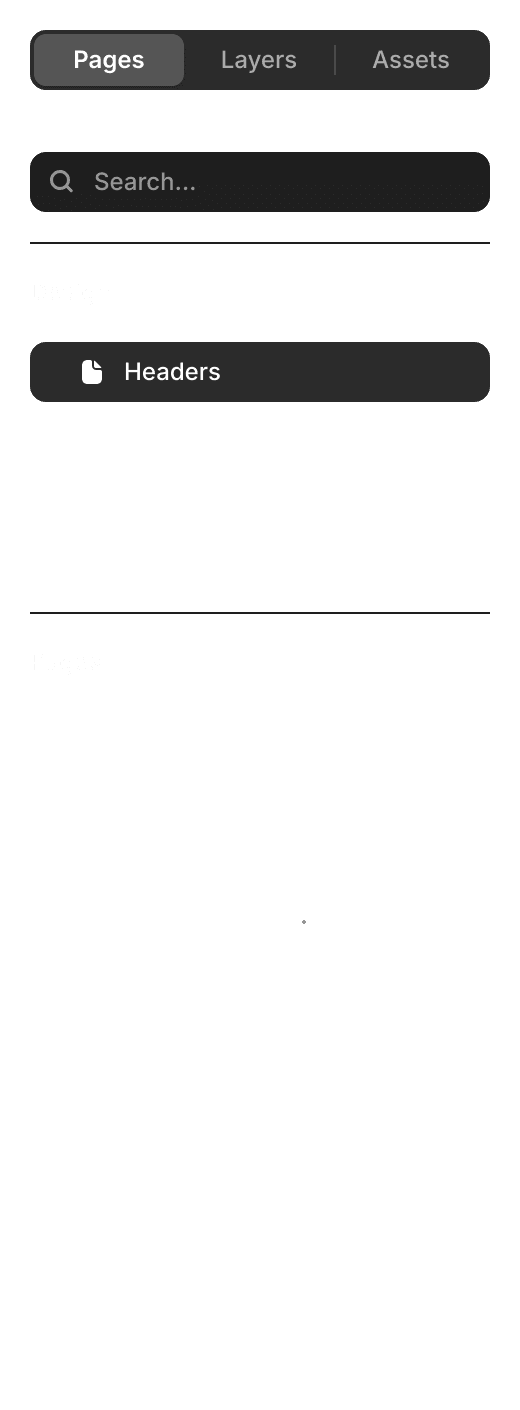
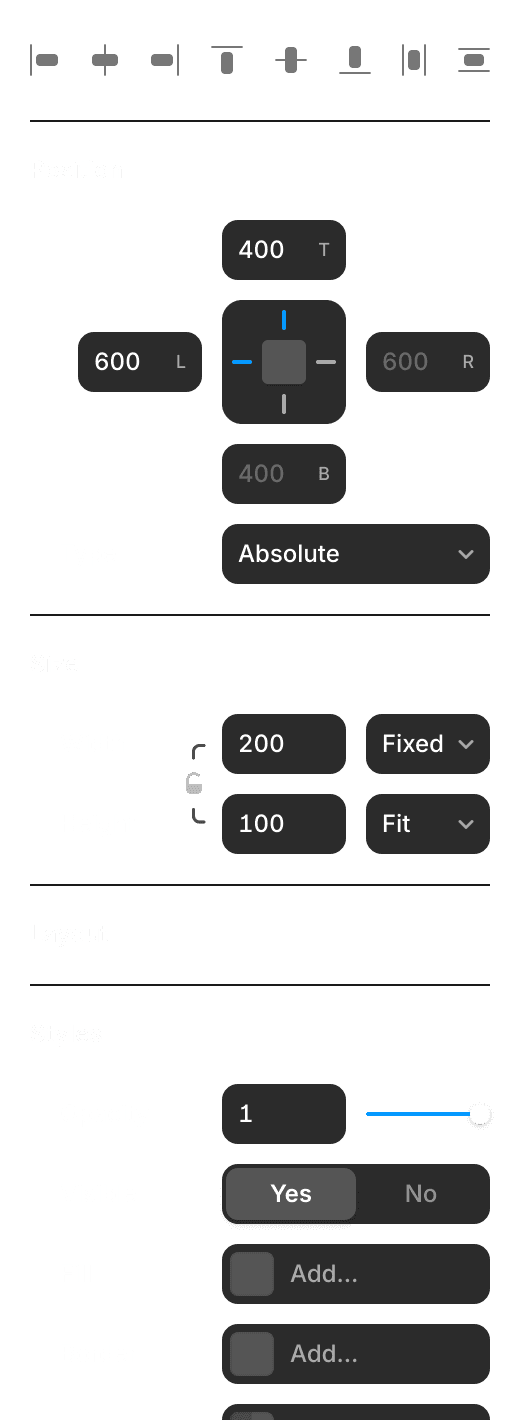
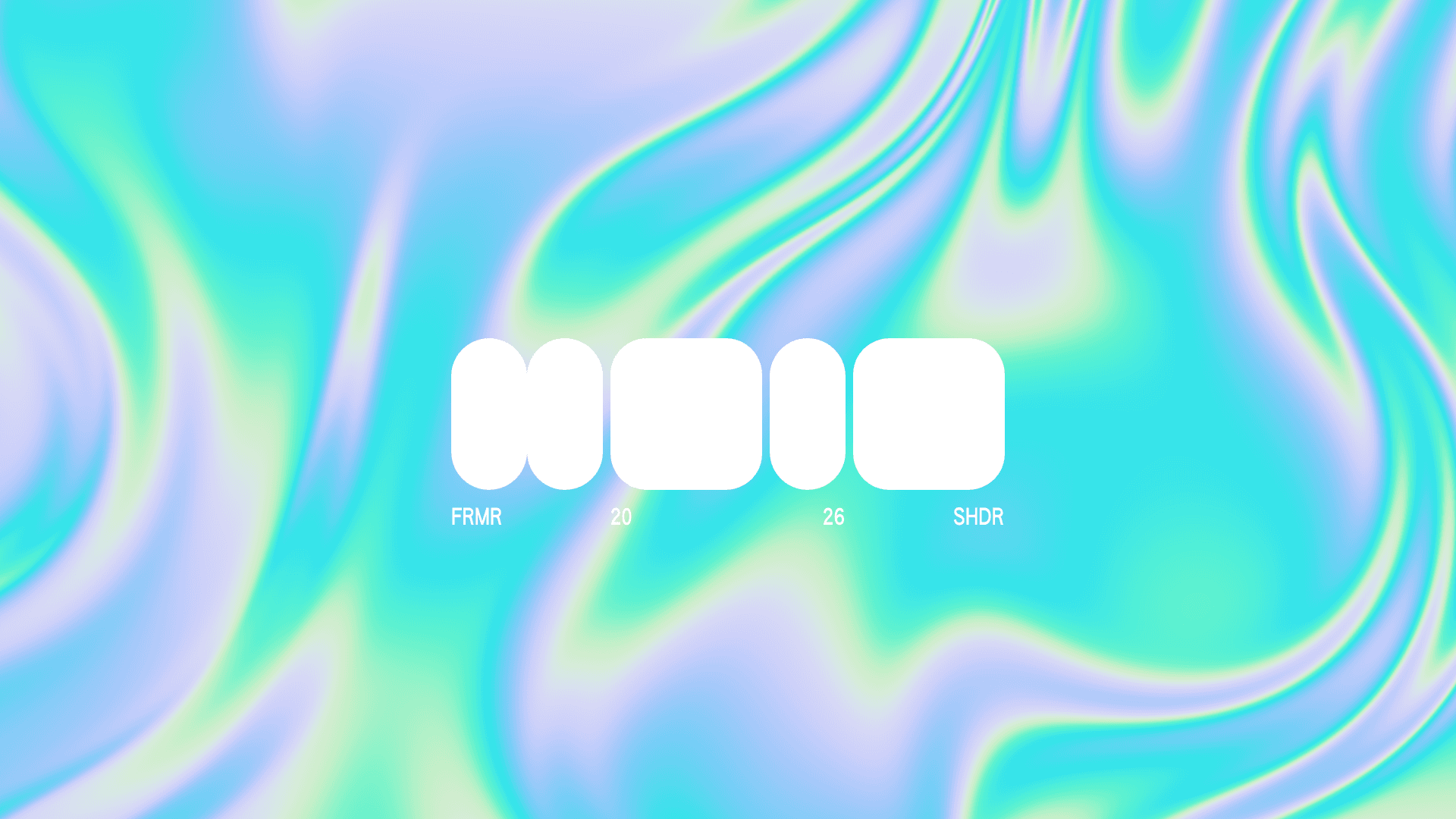
How to use this file
1. Save this file as DESIGN.md in your project root (sibling to README.md).
2. AI agents that read project files (Claude Code, Cursor, v0, Lovable, Bolt, Windsurf) will discover it automatically.
3. Validate or export tokens with the official CLI:
npx @google/design.md lint DESIGN.md
npx @google/design.md export --format tailwind DESIGN.md
Developer Access
# Fetch the full brand kit
curl https://extractvibe.com/api/brand/framer.com \
  -H "x-api-key: ev_your_key"

# Export as CSS variables
curl https://extractvibe.com/api/extract/JOB_ID/export/css \
  -H "x-api-key: ev_your_key"

# Export as Tailwind config
curl https://extractvibe.com/api/extract/JOB_ID/export/tailwind \
  -H "x-api-key: ev_your_key"
Extract your own brand kit
Get colors, fonts, voice, and personality from any website in seconds. Open source.