
Dropbox
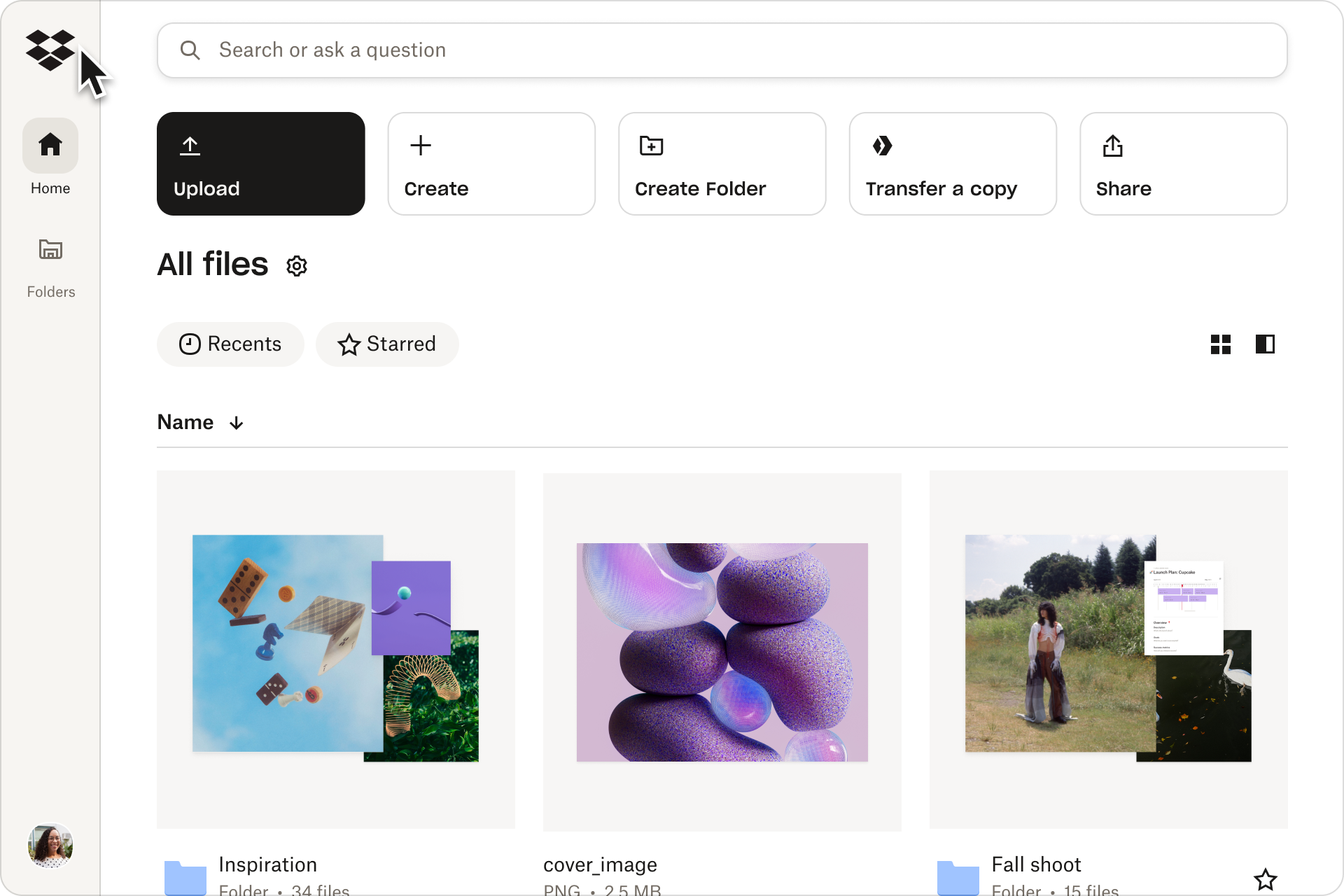
dropbox.com“Dropbox embodies a sophisticated, editorial aesthetic that blends professional reliability with modern clarity. The brand feels like a trusted, high-end organizational tool, using stark contrast and serif accents to convey authority and ease of use without unnecessary visual noise.”
Color Palette
Colors
Typography
Fonts
Times New Roman
Sharp Grotesk
SharpGrotesk, Sharp Grotesk KR, Sharp Grotesk Thai, Atlas Grotesk Web, Atlas Grotesk, AtlasGrotesk, -apple-system, BlinkMacSystemFont, Segoe UI, Helvetica Neue, Helvetica, Arial, sans-serif, Apple Color Emoji, Segoe UI Emoji, Segoe UI Symbol
Atlas Grotesk Web
Atlas Grotesk, AtlasGrotesk, -apple-system, BlinkMacSystemFont, Segoe UI, Helvetica Neue, Helvetica, Arial, sans-serif, Apple Color Emoji, Segoe UI Emoji, Segoe UI Symbol
Arial
Atlas Grotesk Web
Atlas Grotesk, AtlasGrotesk, -apple-system, BlinkMacSystemFont, Segoe UI, Helvetica Neue, Helvetica, Arial, sans-serif, Apple Color Emoji, Segoe UI Emoji, Segoe UI Symbol
The quick brown fox
16pxThe quick brown fox
40pxThe quick brown fox
20pxThe quick brown fox
14pxComponents
Design System
Voice & Tone
Personality
Visual Energy
Design Era
contemporary-minimal
Emotional Tone
calm-authoritative
Target Audience
Knowledge workers, creative professionals, and enterprise teams seeking reliable, frictionless collaboration tools.
Comparable Brands
Brand Rules
Dos & Don'ts
Do
- Use Sharp Grotesk or Atlas Grotesk Web at 500 weight for all headings, strictly in sentence-case.
- Use Times New Roman or Arial at 400 weight for body copy to maintain high readability and a classic editorial feel.
- Style primary CTA buttons with #0061fe background, #f7f5f2 text, 12px border-radius, and no border.
- Style outline buttons with transparent background, #1e1919 text, #1e1919 border, 16px border-radius, and 16px 24px padding.
- Maintain a flat design aesthetic: use #ffffff background, #000000 text, and #a79272 accent sparingly.
- Avoid all box-shadows and gradients; rely on whitespace and border contrast for visual hierarchy.
- Use action-oriented imperative verbs for CTAs (e.g., 'Get started', 'Learn more') with low-friction qualifiers.
- Keep copy simple and jargon-light, utilizing parallelism and alliteration for rhythm (e.g., 'Find, organize, and share').
Don't
- Do not use title case for headings; the brand strictly uses sentence-case.
- Do not use emoji or exclamations in marketing copy or UI elements.
- Do not apply box-shadows or gradients to any element; the design is strictly flat.
- Do not use serif fonts for headings; reserve Times New Roman for body text only.
- Do not use rounded corners smaller than 12px for buttons; maintain the 12px/16px radius system.
- Do not use vibrant or saturated colors outside the primary blue (#0061fe) and accent brown (#a79272).
- Do not use complex or multi-layered shadows; the interface relies on clean lines and solid colors.
- Do not use aggressive or high-energy tones; keep the voice matter-of-fact and accessible.
Design Assets
Visual Elements



How to use this file
1. Save this file as DESIGN.md in your project root (sibling to README.md).
2. AI agents that read project files (Claude Code, Cursor, v0, Lovable, Bolt, Windsurf) will discover it automatically.
3. Validate or export tokens with the official CLI:
npx @google/design.md lint DESIGN.md
npx @google/design.md export --format tailwind DESIGN.md
Developer Access
# Fetch the full brand kit
curl https://extractvibe.com/api/brand/dropbox.com \
  -H "x-api-key: ev_your_key"

# Export as CSS variables
curl https://extractvibe.com/api/extract/JOB_ID/export/css \
  -H "x-api-key: ev_your_key"

# Export as Tailwind config
curl https://extractvibe.com/api/extract/JOB_ID/export/tailwind \
  -H "x-api-key: ev_your_key"
Extract your own brand kit
Get colors, fonts, voice, and personality from any website in seconds. Open source.